
Keeping Kids Safe Online: A Guide To Parental Controls That Actually Work

The internet has become a huge part of everyday life for kids and teens. From schoolwork and gaming to social media and streaming, they are more connected than ever.
That access brings opportunity, but it also comes with risks.
As a parent or grandparent, one of the best things you can do is create a safe online environment. Fortunately, there are a variety of apps, software, and built-in tools designed to help.
Let’s walk through what’s available, how effective they are, and what you should consider before using them.
Why Parental Controls Matter
Kids today are exposed to:
Inappropriate content
Online strangers
Cyberbullying
Excessive screen time
In-app purchases and scams
Parental controls help you:
Set boundaries
Monitor activity
Guide healthy habits
Protect without constantly hovering
The goal is not just restriction, it’s guidance and awareness.

Free Built-In Options (A Great Starting Point)
Most devices already include parental controls and they’re better than many people realize.
Apple Screen Time
Built into iPhones, iPads, and Macs, this tool allows you to:
Set app time limits
Block certain websites
Restrict content and purchases
Schedule downtime
It works best for families already using Apple devices and is easy to set up since it’s built right into the system.
Google Family Link
Designed for Android and Chromebooks, this tool lets you:
Approve or block app downloads
Set screen time limits
Track device location
Lock devices remotely
It’s especially useful for managing multiple devices since controls follow the child’s Google account across platforms.
Microsoft Family Safety
Best for households using Windows PCs or Xbox, this tool offers:
Screen time scheduling
Website filtering
Game and app restrictions
Activity reports
It’s free for basic use and integrates well with Microsoft devices, making it a strong option for families with gamers.
The Catch with Free Tools
While these built-in tools are great starting points, they do have limitations:
Limited social media monitoring
Basic filtering compared to paid apps
Can sometimes be bypassed by tech-savvy kids
Less customization for different age groups
In short, they are helpful but not perfect.
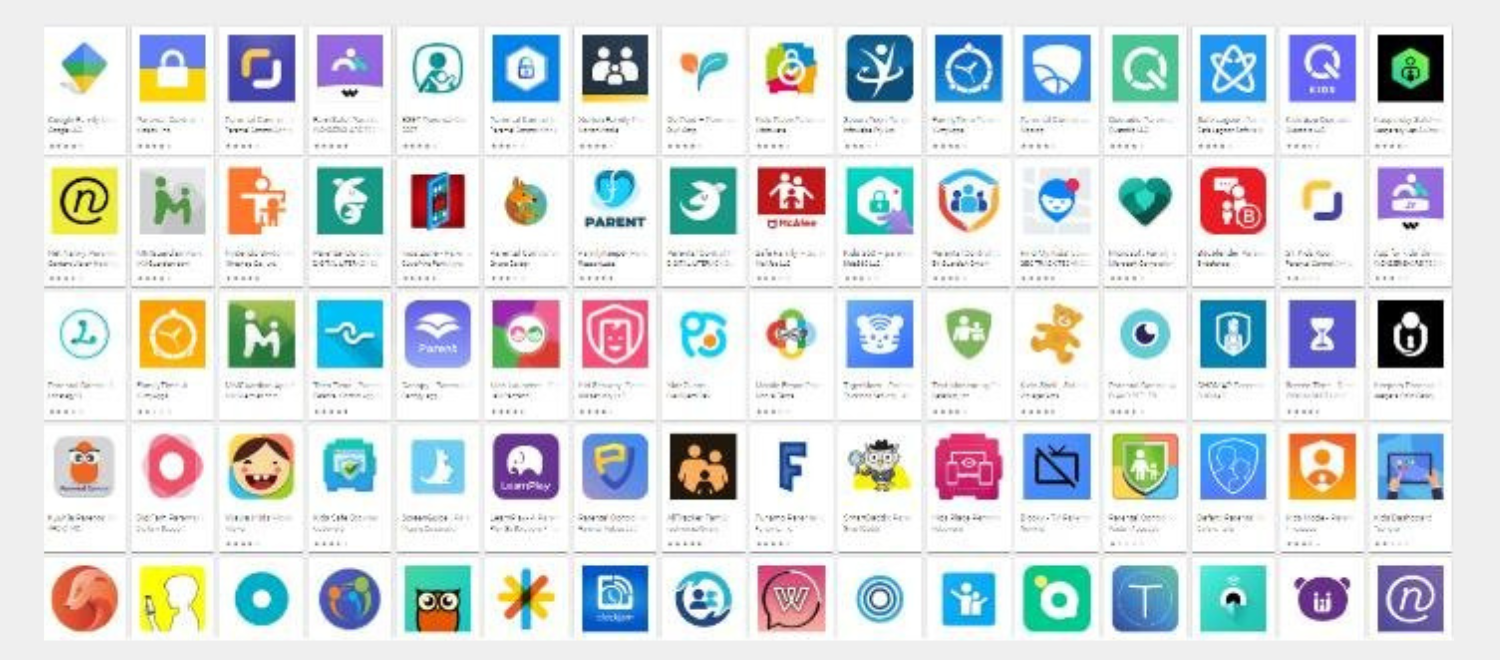
Paid Parental Control Apps (More Advanced Protection)
If you want more control, there are third-party apps like:
These typically offer:
Real-time alerts
Social media monitoring
Text and call tracking
Advanced content filtering
Detailed activity reports
Cost
Most paid apps range from:
About $5 to $15 per month
Or $50 to $130 per year depending on features
Think of it like a subscription for added peace of mind.
Pros and Cons of Parental Control Software
Pros
Helps protect kids from harmful content
Encourages healthy screen habits
Provides visibility into online activity
Can prevent accidental purchases or downloads
Cons
Not 100% foolproof
Some kids find ways around restrictions
Can feel intrusive if overused
Requires setup and ongoing management
The key is balance. These tools work best when paired with open conversations and clear guidance/rules from parents or grandparents.
What People Often Overlook
Parental controls go beyond phones and tablets.
Gaming Systems
Platforms like Xbox, PlayStation, and Nintendo offer built-in controls for:
Game ratings
Screen time
Online chat restrictions
Purchase approvals
This is especially important since gaming often includes voice chat with strangers.
Chat Apps & Social Media
Apps like Snapchat, Discord, and Instagram can expose kids to:
Unknown contacts
Inappropriate content
Peer pressure
Most parental control apps struggle to fully monitor these platforms, which is why ongoing conversations are just as important as software.
Smart TVs & Streaming Devices
Many people forget that streaming platforms also have:
Content ratings
Profile restrictions
Viewing history
These should be configured just like phones and tablets.
Are There Any Risks to Using These Additional Tools?
Yes, and it’s important to be aware of them.
Some apps collect data about your child’s activity
Over-monitoring can impact trust
Relying only on software can create a false sense of security
The goal is not to control everything, it’s to guide and protect while teaching responsibility.

A Layered Approach Works Best
No single tool does everything. The best approach is combining:
Device-level parental controls
App-level monitoring
Network-level awareness
NCWCOM’s GenX WiFi app can help with the Network-level awareness, and will work great in tandem with other software and apps.
By managing your home network, you can:
See connected devices
Monitor usage patterns
Pause internet access when needed
Add another layer of visibility and control
When used together, all these tools create a stronger, more complete safety net.
Final Thoughts
Protecting kids online doesn’t require being a tech expert, it just requires awareness and a few smart tools.
Start with built-in device parental controls. Add advanced/paid parental control if needed. Most importantly, keep the conversation open and stay active in a child’s technology usage and habits.
The internet is an incredible place to learn, connect, and grow. With the right approach, you can help ensure it stays a safe and positive experience for your family.
👉 For extra guidance on parental controls, visit this link: https://www.esafety.gov.au/parents/issues-and-advice/parental-controls
If you have further questions about this, you are more than welcome to contact us for additional information!